Problem
Manga translation is awkward across many tools
Readers often move between screenshots, OCR websites, AI chat, manual editing, and separate folders before they can read a translated chapter.
 Comics Translate
Buy License
Comics Translate
Buy License
Manga translator for Mac
Comics Translate is built for Mac users who want a focused desktop app instead of juggling browser tabs, OCR tools, translators, and image editors.
Problem
Readers often move between screenshots, OCR websites, AI chat, manual editing, and separate folders before they can read a translated chapter.
Solution
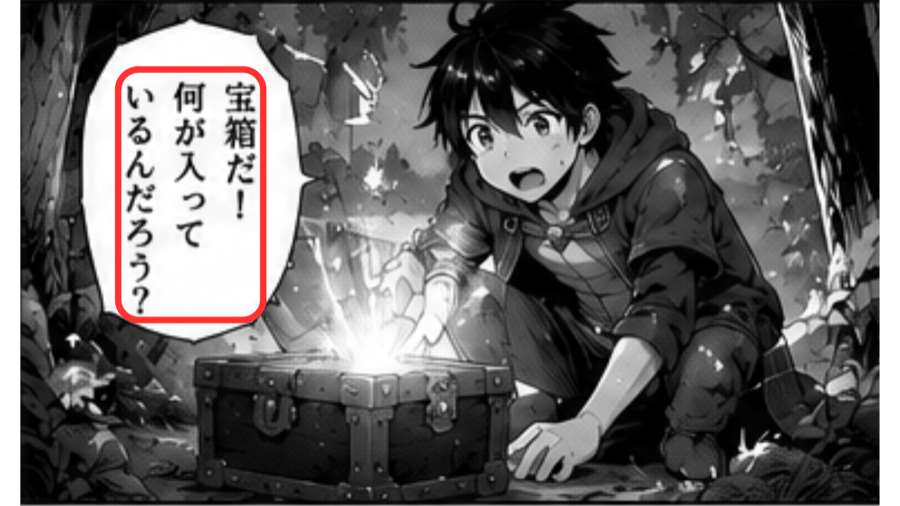
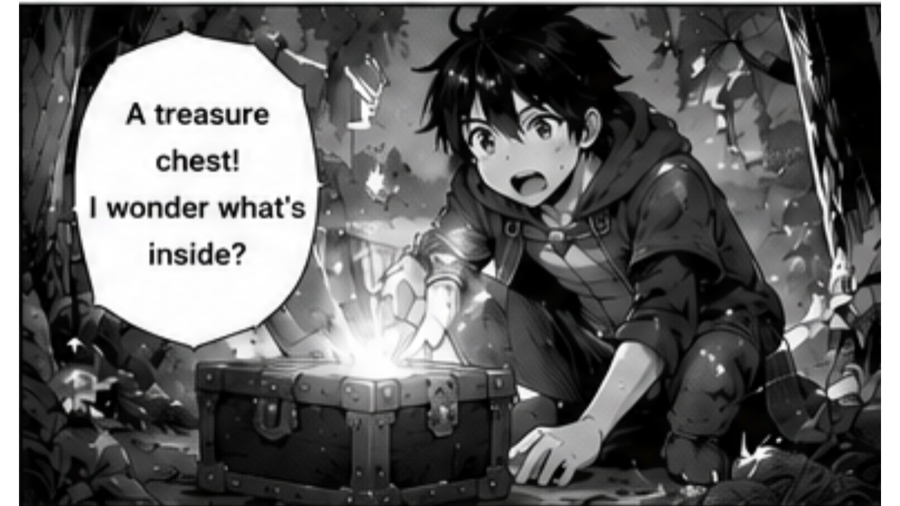
Import manga pages, run text detection, translate with Gemini AI, repair difficult pages, and read the finished chapter inside a local macOS workflow.
Workflow
Paste a manga website URL or upload PNG, JPG, and WebP images.
OCR reads text areas from speech bubbles and page artwork.
Gemini AI translates dialogue using your own API key.
The app renders translated text back onto the page for Reader View.
Highlights
Questions
Yes. Comics Translate is currently built for macOS and distributed as a DMG installer.
Yes. You can upload PNG, JPG, and WebP pages, then translate and read them inside the app.
Yes. Website URL import is optional because local image upload is also supported.
Not yet. The current release focuses on macOS first.