Problem
OCR on manga pages can get messy
Manga text can be small, stylized, angled, or split across bubbles. If OCR reads the wrong source text, the AI translation becomes weaker before it even starts.
 Comics Translate
Buy License
Comics Translate
Buy License
Manga OCR translator
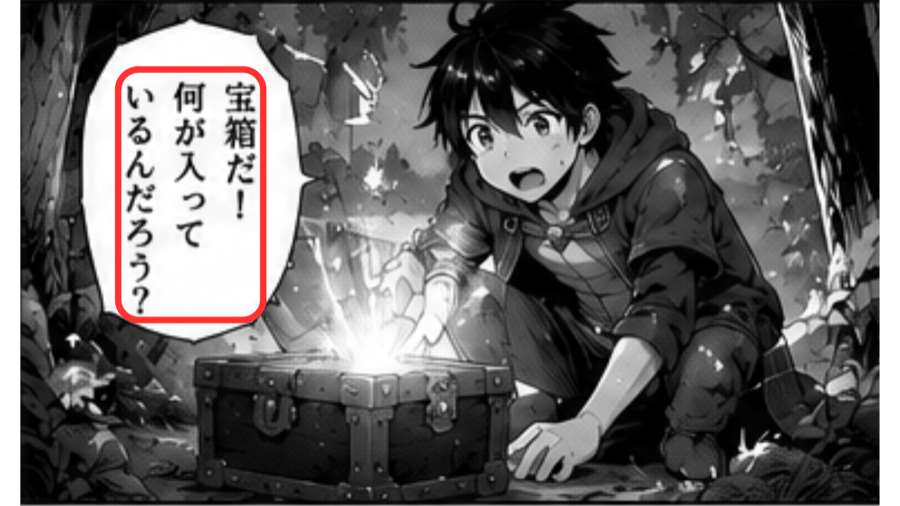
Comics Translate is designed for manga pages where the first hard step is reading the text inside bubbles and page artwork.
Problem
Manga text can be small, stylized, angled, or split across bubbles. If OCR reads the wrong source text, the AI translation becomes weaker before it even starts.
Solution
The app helps detect page text in the language you are working with, so Gemini AI receives cleaner dialogue before translation starts.
Workflow
Paste a manga website URL or upload PNG, JPG, and WebP images.
OCR reads text areas from speech bubbles and page artwork.
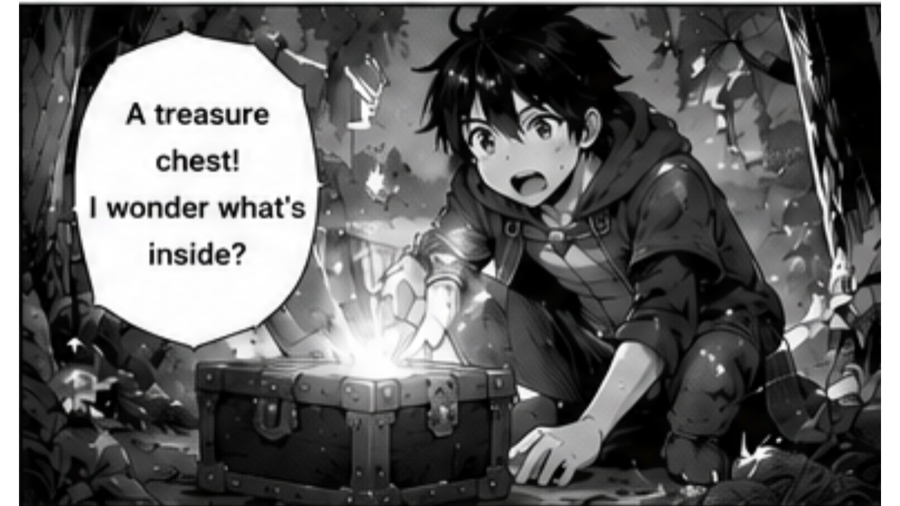
Gemini AI translates dialogue using your own API key.
The app renders translated text back onto the page for Reader View.
Highlights
Questions
OCR means optical character recognition. It reads text from the page image so the app can send text to AI translation.
Choosing the right page language helps text detection read the page more accurately, especially for scanlations or pages with mixed dialogue.
The app includes Repair Page for cases where OCR misses text boxes and needs another pass on the current page.
OCR runs through the local macOS app workflow. The desktop app handles page files locally before AI translation requests are made with your Gemini API key.